Luma Game Guide
Best New Browser Games to Try in July 2026
Fresh HTML5 games for quick browser sessions, with clear controls, mobile notes, and no-download play links.
Quick answer
Quick Answer: Three Games to Try First
Start with Hide and Paint for multiplayer stealth, Car Circle for a one-tap traffic puzzle, or Monkey Tag IO for movement and chase play. The controls and pace are different enough that one of the three should fit your preferred session.
- Hide and Paint: match a surface, hold your pose, and avoid the hunters.
- Car Circle: tap at the right moment and keep the roundabout from crashing.
- Monkey Tag IO: run, jump, climb, and break the tagger's line of sight.
The best new browser games are easy to start, clear about their controls, and fun within the first few minutes. This July selection covers stealth, traffic timing, movement tag, and other short-session formats without asking you to install a client.
Hide and Paint, Car Circle, and Monkey Tag IO are the three featured picks. Open each linked play source in a modern browser, then use the Luma guide for controls, mobile limitations, safety notes, and practical ways to improve.
How the Three Games Feel Different
Hide and Paint rewards patience and visual camouflage. Car Circle is a quick timing challenge that works well with one-thumb input. Monkey Tag IO is more active and asks you to combine camera movement, jumps, and route changes.
- Choose Hide and Paint when you want social stealth instead of fast reflexes.
- Choose Car Circle when you want rounds that finish in a few minutes.
- Choose Monkey Tag IO when you want movement practice and multiplayer pressure.
Play Safely in the Browser
Use the linked browser pages and check the developer or platform name before starting. None of these games should require an APK, desktop installer, browser extension, ROM, or “mod menu” download.
- Close pages that ask you to install an unknown extension before play.
- Treat “all items unlocked” and unofficial download claims with caution.
- On mobile, rotate once and confirm that the controls remain visible before a longer session.
Desktop and Mobile Setup
Desktop controls are usually more precise for camera-heavy movement, while one-action games such as Car Circle adapt more naturally to touch. Before playing, close heavy background tabs, keep browser zoom at 100%, and tap the game area once if keyboard input is not captured.
- Use fullscreen only after the game has loaded and the controls respond.
- If audio drifts, reload the page and avoid switching tabs during the first load.
- If touch controls are cropped, return to portrait and reopen the game before rotating again.
More July Browser Games to Explore
If the first three are not your style, look for a merge or idle game when you want relaxed progression, a strategy game when you want longer decisions, or a short reflex game when you only have a few minutes.
- Farm Merge Valley: a calmer merge and upgrade loop.
- God Simulator: a strategy-focused option for longer sessions.
- GamePix, Y8, and itch.io: broad catalogues where you can compare current browser releases.
Featured Picks
Each recommendation opens a browser player from its detail page with no download required.
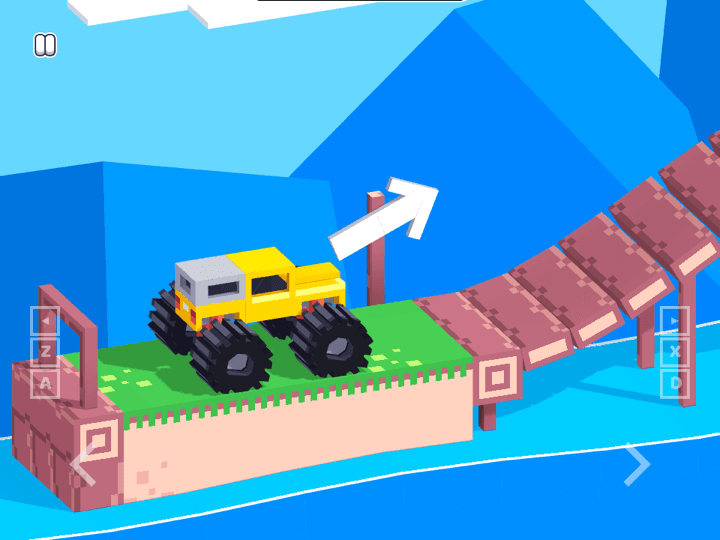
Drive Mad
Drive Mad is a physics driving challenge where the hard part is not raw speed. Each level asks you to control throttle, rotation, landing angle, and vehicle balance with very small inputs, so the best runs feel more like careful puzzle solving than racing.
Drive Mad turns vehicle balance and physics into quick levels with immediate retries.
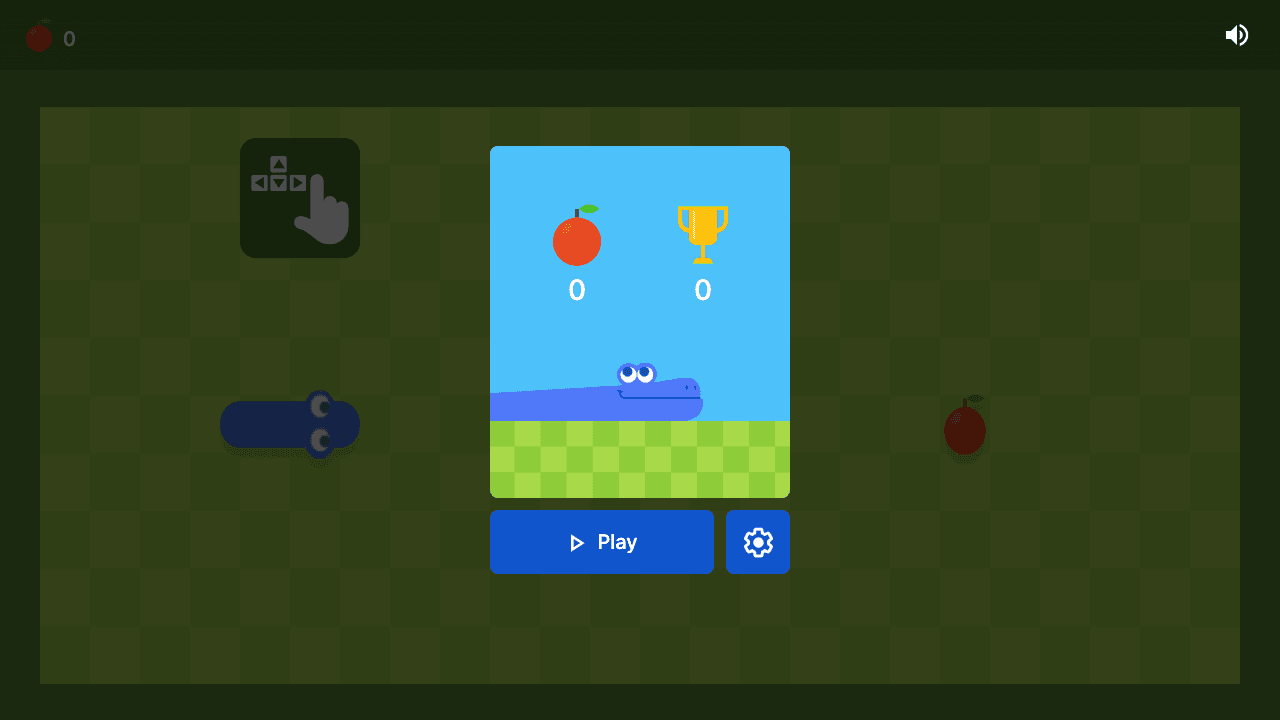
Google Snake
Google Snake is a classic snake-style browser game built around route planning. The score improves when you think one turn ahead and keep escape lanes open.
Google Snake offers familiar route planning, instant retries, and clear keyboard controls.
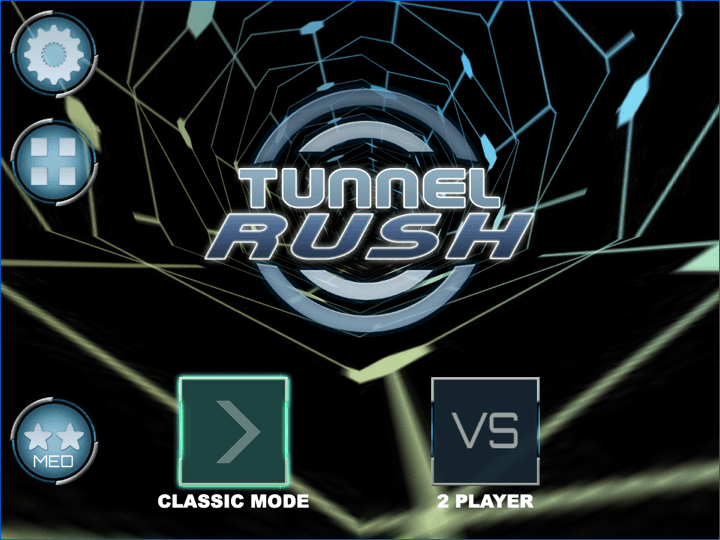
Tunnel Rush
Tunnel Rush is a high-speed reflex game where survival depends on reading shapes early and staying centered before the tunnel speed rises. The strongest runs come from small steering corrections, calm visual focus, and learning repeated obstacle patterns.
Tunnel Rush is a short-session reflex pick that pairs naturally with mobile browser game searches.
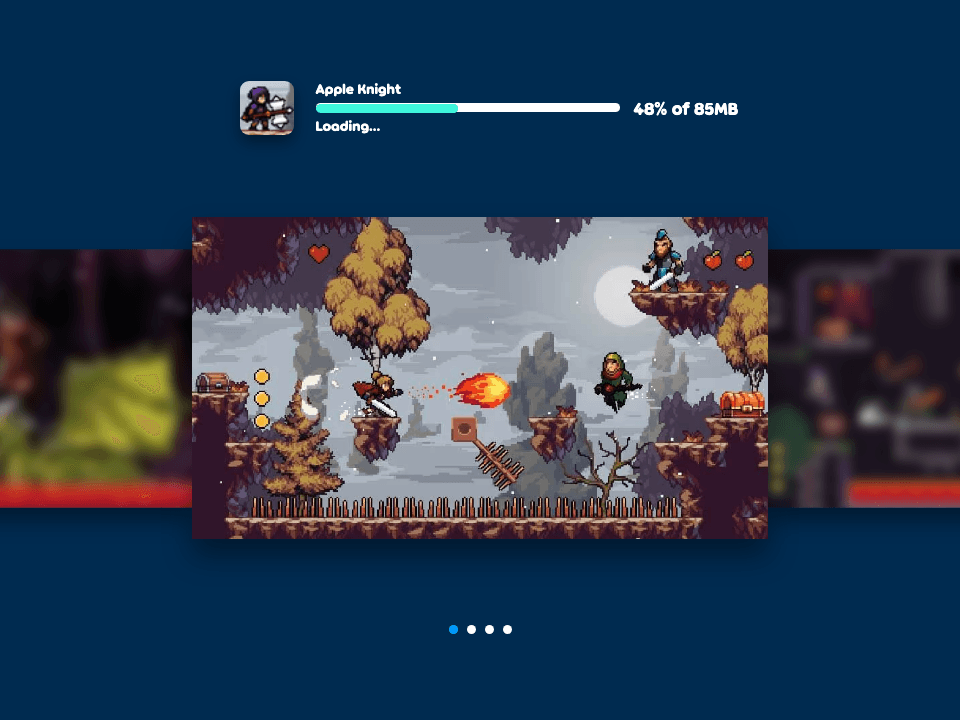
Apple Knight
Apple Knight is an action platformer where movement discipline matters as much as attacking. Strong runs come from checking enemy patrols, jumping before contact, and using attacks only when there is enough space to recover.
Apple Knight gives the cluster a more traditional action-platform option with clear controls.
Frequently Asked Questions
- Where can I play these games?
- Use the source links on this page or each dedicated guide. They open the public browser listing without requiring a Luma-hosted copy.
- What makes a browser game good for a short session?
- A clear goal, controls you can learn quickly, fast loading, and a round that reaches a meaningful result within a few minutes.
- Do these games need an “unblocked” download?
- No. Use a normal browser play page. Luma does not provide network-bypass instructions, APK files, extensions, or unofficial clients.
- How often should this list be updated?
- The month label records when the selection was reviewed. Individual guides carry their own update notes when controls or source information changes.
- What should I play after these three?
- Try Drive Mad for physics, Tunnel Rush for reflex play, Apple Knight for platform action, or Google Snake for familiar route planning.
Pick a play style above, then continue with more browser games from the Luma catalogue.
Related Guides
- Telemount Walkthrough: All 15 Test Chambers →
- Hide and Paint Guide: Controls, Mobile Tips & How to Win →
- Car Circle Guide: Controls, Timing Tips & Roundabout Strategy →
- Monkey Tag IO Guide: Controls, Mobile Tips & Official Source →
- Drive Mad Walkthrough: Controls, Tips & Hard Level Fixes →
- Games Like OvO: What to Play Next →
Official & Reference Links
Use these external links to verify the game source and creator context; they do not imply a commercial partnership with Luma.
- Hide and Paint source →
Public source page used to verify developer, controls, device support, and July 2026 update context.
- Car Circle source →
Public source page used to verify developer, release date, device support, and update context.
- Monkey Tag IO source →
Public source page used to verify developer, controls, device support, votes, and update context.
- GamePix new games →
A public catalogue for comparing recently listed instant browser games.
- Y8 games for websites →
A public browser-game catalogue with source and play information for listed titles.
- itch.io HTML5 games →
A public directory of web-playable indie games with creator pages and title-specific details.