Reaction challenge
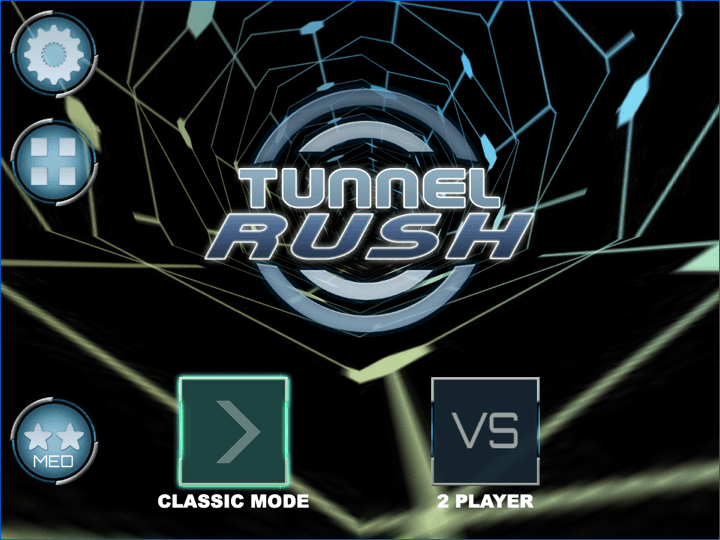
Tunnel Rush
Read obstacle openings quickly and hold a clean line through the tunnel.
Drive Mad is a physics driving challenge where the hard part is not raw speed. Each level asks you to control throttle, rotation, landing angle, and vehicle balance with very small inputs, so the best runs feel more like careful puzzle solving than racing.
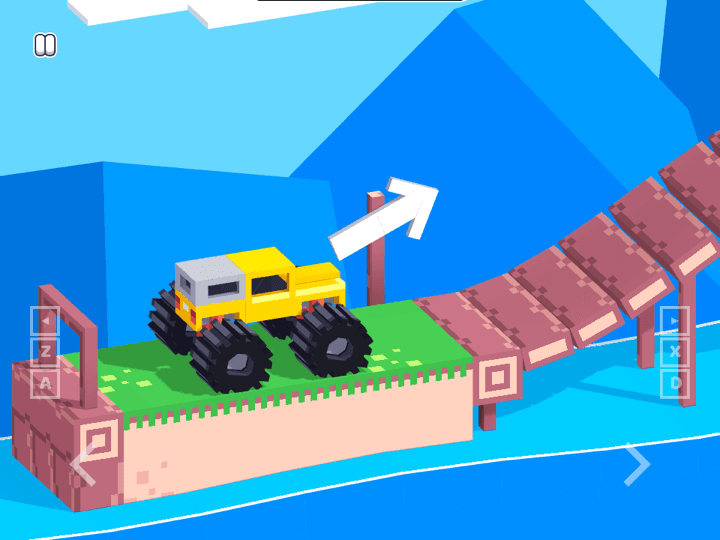
The third-party game loads only after you click, keeping the first view faster.
💡Use in-game fullscreen; controls are listed below.
Today's picks
Reaction challenge
Read obstacle openings quickly and hold a clean line through the tunnel.
Drive Mad is a physics driving challenge where the hard part is not raw speed. Each level asks you to control throttle, rotation, landing angle, and vehicle balance with very small inputs, so the best runs feel more like careful puzzle solving than racing.
Treat every stage like a tiny driving puzzle. The safest run is usually slower than the first instinct: roll onto ramps, release before the nose drops, and let the vehicle settle before the next obstacle.
This page is meant to sit next to the playable browser version. Start a run, notice why the car flips, then return to the tips and FAQ when a jump, bridge, or monster-truck stage starts costing repeated attempts.
Accelerate / rotate
Hold the main throttle key or touch control.
Ease off
Release the input to slow down and control the landing angle.
Restart
Use the in-game restart when a vehicle is already unrecoverable.
Today's picks
Reaction challenge
Read obstacle openings quickly and hold a clean line through the tunnel.
This is public source or distribution-page information, not a verified original developer claim.
Adam and Eve 4 is a light point-and-click puzzle adventure where progress comes from reading the scene before clicking. The best approach is to test objects in order, notice what changes, and avoid random clicking that makes the puzzle harder to understand.

Adam and Eve 5: Part 1 is a point-and-click puzzle adventure where every scene is solved by changing the environment in the right order. The fastest progress comes from spotting the obstacle, testing nearby objects once, and watching each animation before choosing the next click.

Adam and Eve 5: Part 2 continues the point-and-click puzzle format with new scenes and slightly trickier object order. Good runs come from treating each screen like a chain: solve the blocker, watch the reaction, then use the next object that appears or changes.