Luma Game Guide
Monkey Tag IO Guide: Controls, Mobile Tips & Official Source
Run, climb, jump, and survive longer in the browser tag game while avoiding unofficial download traps.
Quick answer
Quick Answer: How to Stop Getting Tagged
Monkey Tag IO is about route control more than raw speed. Keep moving toward climbable surfaces, use jumps to change height, and look around before crossing open ground. If you run in a straight line at floor level, faster players can predict your path.
- Break line of sight by climbing or turning around corners.
- Jump before a chase angle closes, not after the tagger reaches you.
- Use the camera constantly so you know where the pressure is coming from.
Monkey Tag IO is a multiplayer browser tag game built around movement. You run, jump, climb, and look around while chasing other players or escaping infection-style pressure. The theme makes it easy for search results to overlap with VR gorilla-tag content, fan pages, and “unblocked” mirrors, so a clean source and a clear guide matter.
The linked public listing identifies Petit Kyanpu as the developer and supports desktop, phone, and tablet play. Use that browser page to start a game, then use this guide for practical controls, movement habits, mobile limitations, and source-safety notes.
Controls
The public listing shows standard desktop controls: WASD or arrow keys to move, Space to jump, W or up arrow to climb, and mouse movement to look around. The control set is simple, but the skill ceiling is in combining camera movement with route changes.
- Desktop: keep one finger ready for jump while steering with WASD.
- Camera: turn early so you can see the next wall or escape lane before reaching it.
- Climb: treat vertical surfaces as route changes, not only emergency escapes.
Movement Tips for Beginners
New players often sprint across the center of a map because it feels faster. That is also the easiest route to read. Better runs use edges, corners, height changes, and quick reversals to make the tagger guess.
- Do not spend the whole round on flat ground.
- Change height after a corner so the chaser has to adjust both aim and route.
- If you miss a jump, recover sideways instead of running straight ahead.
Mobile Play: What Changes
Monkey Tag IO is listed as playable on phones and tablets, but mobile is more demanding than desktop because looking around and moving happen on the same glass surface. Use shorter camera swipes, avoid crowded map areas until you are comfortable, and expect climbing to feel less precise than keyboard play.
- Use small camera corrections instead of full-screen swipes.
- Practice climbing in low-pressure moments before relying on it during a chase.
- If touch controls feel cramped, desktop keyboard and mouse will usually be easier.
Official Source and IP Risk Notes
The name can attract searches for VR tag games and unofficial “unblocked” portals. This guide does not provide bypass instructions, mods, APKs, or client downloads. Use the official public browser listing first, and treat clone pages or fan domains as unverified unless they clearly identify their source, developer, and terms.
Featured Picks
Each recommendation opens a browser player from its detail page with no download required.
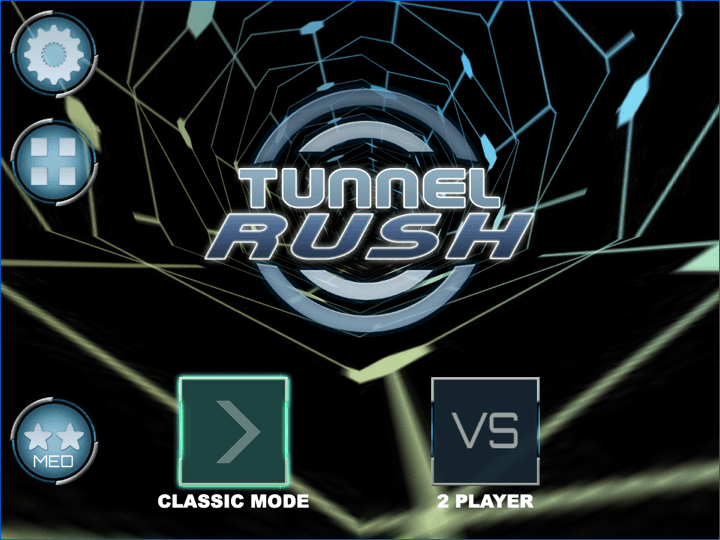
Tunnel Rush
Tunnel Rush is a high-speed reflex game where survival depends on reading shapes early and staying centered before the tunnel speed rises. The strongest runs come from small steering corrections, calm visual focus, and learning repeated obstacle patterns.
Tunnel Rush keeps the reflex pressure but removes multiplayer chaos for a focused short run.
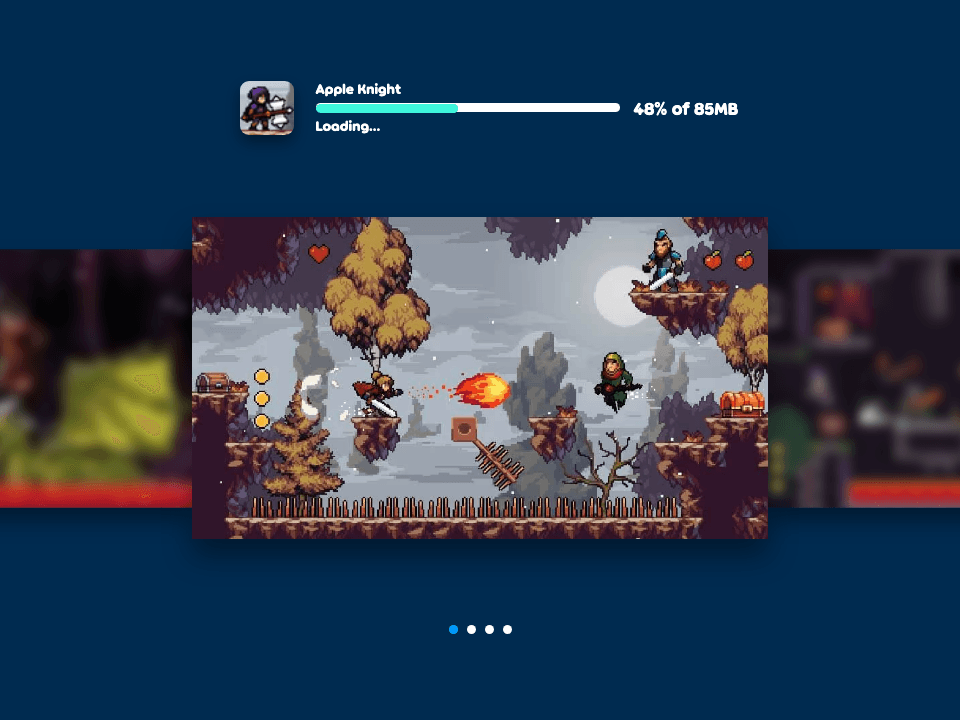
Apple Knight
Apple Knight is an action platformer where movement discipline matters as much as attacking. Strong runs come from checking enemy patrols, jumping before contact, and using attacks only when there is enough space to recover.
Apple Knight adds combat and exploration if you want movement with a more traditional platform game structure.
Frequently Asked Questions
- What is Monkey Tag IO?
- Monkey Tag IO is a multiplayer browser tag game where players run, jump, climb, chase, and escape across 3D maps.
- Is Monkey Tag IO the same as Gorilla Tag?
- No. Monkey Tag IO is a browser game listing with its own developer attribution. Search results may overlap with VR tag games, so check the source before playing or linking.
- Can I play Monkey Tag IO on mobile?
- Yes, the public listing says it works on phones and tablets. Desktop controls are usually easier because camera, movement, jump, and climb inputs are more precise.
- Does Monkey Tag IO need a download?
- No. Use the browser source. Avoid APKs, plugins, mod menus, and client downloads claiming to unlock an “unblocked” version.
- Why do I keep getting tagged quickly?
- You are probably running in predictable straight lines. Use walls, corners, height changes, and camera checks to make your route harder to read.
Try related browser games with clear controls, no client install, and practical player notes.
Related Guides
Official & Reference Links
Use these external links to verify the game source and creator context; they do not imply a commercial partnership with Luma.
- Monkey Tag IO on Poki →
Public playable listing with developer, controls, device support, votes, and update details.