Apple Knight
HOTApple Knight is an action platformer where movement discipline matters as much as attacking. Strong runs come from checking enemy patrols, jumping before contact, and using attacks only when there is enough space to recover.
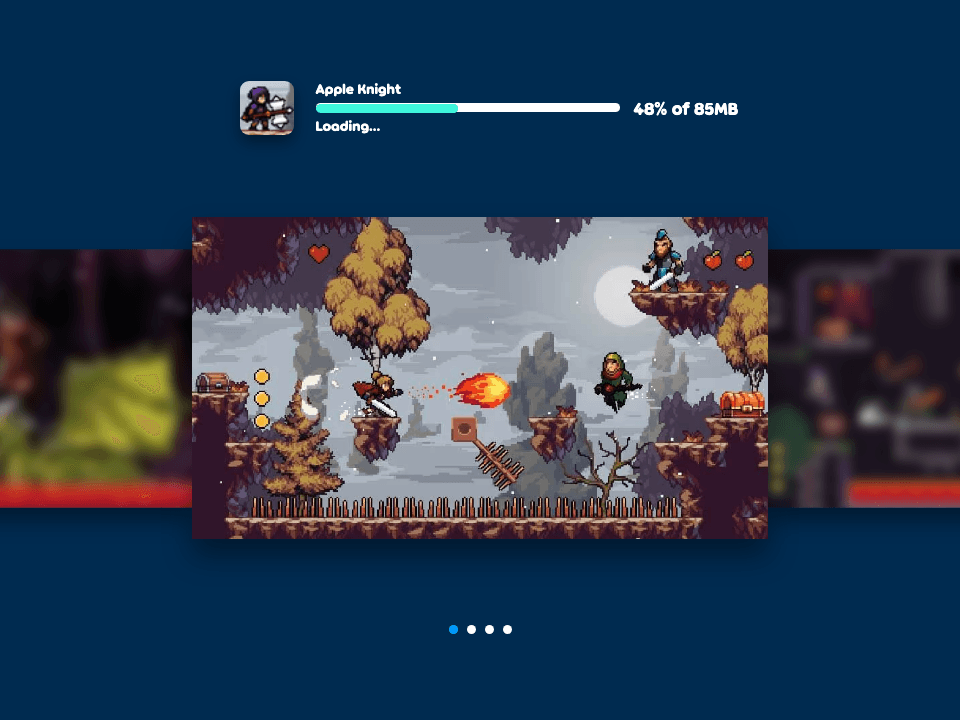
Apple Knight
The third-party game loads only after you click, keeping the first view faster.
💡Use in-game fullscreen; controls are listed below.
Today's picks
Try another game
Apple Knight quick guide
Apple Knight is an action platformer where movement discipline matters as much as attacking. Strong runs come from checking enemy patrols, jumping before contact, and using attacks only when there is enough space to recover.
What to focus on while playing
The game is fast, but rushing into every enemy usually costs health. Read the room first, use jumps to create distance, and only swing when the enemy path is predictable.
This detail page gives a compact control and strategy reference for the browser version, with safer no-download framing and links to deeper platformer guides when you want more help.
How to play
- 1Move through platform stages, avoid hazards, collect items, and defeat enemies when the opening is safe.
- 2Jump to create space before attacking instead of trading damage on the ground.
- 3Use checkpoints and short retries to learn enemy placement without rushing the same mistake.
Controls
Move
Use keyboard movement keys or the active touch controls.
Jump
Jump to cross gaps, dodge enemies, and set up safer attacks.
Attack
Use the attack input only when you have room to step back or continue moving.
Practical tips
- ✓Stop at the edge of a new room long enough to see the first enemy route.
- ✓Jump before attacking close enemies so you are not forced into a damage trade.
- ✓If touch controls feel cramped, use keyboard for longer runs and tighter combat timing.
- ✓Clear slowly when low on health; losing a few seconds is better than restarting.
FAQ
- Is Apple Knight hard?
- It is approachable at first, but it punishes rushing. Careful jumps and patient attacks make the game much easier.
- Can Apple Knight be played on mobile?
- Mobile can work, but keyboard controls are more reliable for platforming and combat timing.
- Does Apple Knight need an app install?
- No. Use the browser player on Luma and avoid third-party APK or installer pages.
Related guides
Today's picks
Try another game
Game Info
Status
ActiveHot
👨💻Listed Source
4399 游戏平台↗This is public source or distribution-page information, not a verified original developer claim.
💡Game Tips
- ✓Stop at the edge of a new room long enough to see the first enemy route.
- ✓Jump before attacking close enemies so you are not forced into a damage trade.
- ✓If touch controls feel cramped, use keyboard for longer runs and tighter combat timing.
- ✓Clear slowly when low on health; losing a few seconds is better than restarting.
Similar Games

Adam and Eve 4
Adam and Eve 4 is a light point-and-click puzzle adventure where progress comes from reading the scene before clicking. The best approach is to test objects in order, notice what changes, and avoid random clicking that makes the puzzle harder to understand.

Adam and Eve 5: Part 1
Adam and Eve 5: Part 1 is a point-and-click puzzle adventure where every scene is solved by changing the environment in the right order. The fastest progress comes from spotting the obstacle, testing nearby objects once, and watching each animation before choosing the next click.

Adam and Eve 5: Part 2
Adam and Eve 5: Part 2 continues the point-and-click puzzle format with new scenes and slightly trickier object order. Good runs come from treating each screen like a chain: solve the blocker, watch the reaction, then use the next object that appears or changes.