Luma Game Guide
Hide and Paint Guide: Controls, Mobile Tips & How to Win
Learn how to blend in as a painted chameleon, pick safer hiding spots, and avoid the mistakes that make you easy to catch.
Quick answer
Quick Answer: How to Survive Longer
The safest Hide and Paint strategy is to pick a surface with a clear flat color, paint only when you are close to that surface, and stop moving before hunters get line of sight. A perfect color is wasted if your pose sticks out, and a good pose fails if you keep adjusting at the last second.
- Match big, simple surfaces before trying detailed patterns.
- Freeze with your body aligned to the wall, floor, or prop shape.
- Move early between rounds instead of sprinting after a hunter is near.
Hide and Paint is a multiplayer hide-and-seek browser game where the main trick is not running faster. You start as a plain chameleon, move around the map, paint yourself to match a nearby surface, and freeze in a pose that looks natural enough to fool the hunters. The fun comes from a small decision loop: find a texture, copy its color, angle the camera, then decide whether to stay still or move before someone notices.
Use the linked public source to play, then return to the sections below for hiding choices, mobile controls, and safety checks. You do not need an APK, browser extension, or unofficial client.
Controls and Camera Basics
On desktop, movement uses WASD or arrow keys, the mouse controls camera direction, and the paint action is mapped to F on the official Poki listing. Treat the camera as part of the hiding mechanic: you need to look at the surface you want to copy and then check the angle a hunter would see.
- Use short movements near the final hiding spot so your outline does not wobble into view.
- Rotate the camera before freezing to check whether your body breaks the texture line.
- If the paint action does not fire, click the game frame once and try again.
Choosing a Better Hiding Spot
Good hiding spots are readable, not necessarily complicated. Large walls, floor corners, single-color props, and shadows are easier to match than detailed objects with multiple colors. The best spot is usually one step away from the obvious one: visible enough to reach quickly, but not the first corner every hunter checks.
- Avoid the middle of open floors unless the floor pattern is very uniform.
- Prefer corners where your outline can merge with another edge.
- Do not hide beside moving players; their motion draws attention to you.
Common Mistakes That Reveal You
Most new players lose because they keep treating Hide and Paint like a chase game. The paint only hides color, not movement, silhouette, or suspicious placement. If your body shape is floating away from the surface, hunters can still spot you even when the color is close.
- Painting too early: you copy the wrong color, then stand next to a different texture.
- Over-adjusting: tiny late movements are more visible than a slightly imperfect color.
- Using a popular corner every round: hunters learn repeated hiding habits fast.
Mobile Play and Safe Source Notes
The official listing says Hide and Paint supports desktop, phones, and tablets. On touchscreens, keep your camera movement slower than you would with a mouse because a sudden swipe can rotate you out of alignment. Use the public web version first, and avoid pages that ask you to download an APK, install a plugin, or unlock a mod menu.
Featured Picks
Each recommendation opens a browser player from its detail page with no download required.
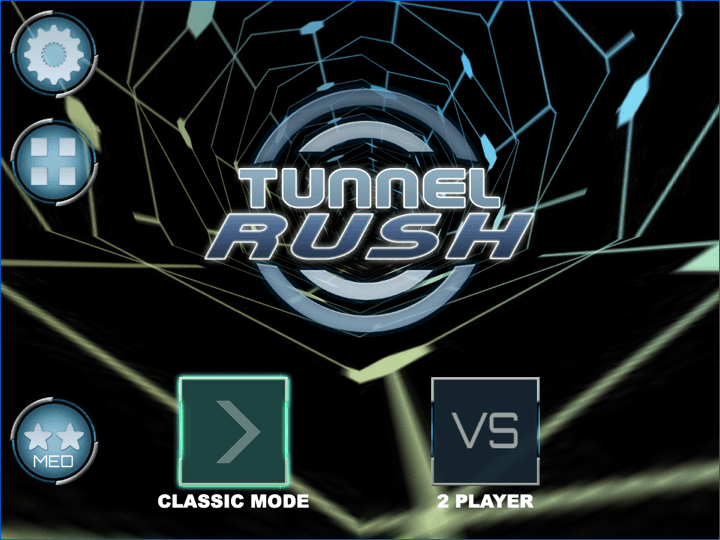
Tunnel Rush
Tunnel Rush is a high-speed reflex game where survival depends on reading shapes early and staying centered before the tunnel speed rises. The strongest runs come from small steering corrections, calm visual focus, and learning repeated obstacle patterns.
Tunnel Rush is pure reflex pressure, useful when you want a short solo challenge instead of multiplayer hiding.
Big Tower Tiny Square
Big Tower Tiny Square is a precision platformer about patient climbing, double-jump timing, and learning each hazard pattern before committing. The tower looks simple, but every spike, laser, and moving platform asks for controlled jumps instead of rushing.
Big Tower Tiny Square rewards patience and exact positioning, the same discipline that helps in Hide and Paint.
Frequently Asked Questions
- What is Hide and Paint?
- Hide and Paint is a multiplayer browser game where you play as a chameleon, copy nearby colors, and hide from hunters by blending into the map.
- Is Hide and Paint the same as Meccha Chameleon?
- The official Poki page groups it with Meccha Chameleon-inspired games. For SEO and player clarity, treat Hide and Paint as the specific game title and Meccha Chameleon as a related search theme.
- Can I play Hide and Paint on mobile?
- Yes. The official listing supports desktop, phone, and tablet play. Mobile hiding is harder because camera and movement are less precise, so use slower touch inputs.
- Does Luma host or embed Hide and Paint?
- No. This is currently a guide page with source links. Luma does not embed the game until an authorized stable embed source is verified.
- Is there a safe Hide and Paint download?
- Use the browser version first. This guide does not recommend APK mirrors, mod downloads, plugins, or sites that require a client install.
Use Luma picks for short, safe browser sessions while the official Hide and Paint source remains external.
Related Guides
Official & Reference Links
Use these external links to verify the game source and creator context; they do not imply a commercial partnership with Luma.
- Hide and Paint on Poki →
Public playable source listing with developer, controls, device support, and update details.
- OnRush Studio Privacy Policy →
Developer privacy policy linked from the public game listing.