Bounce challenge
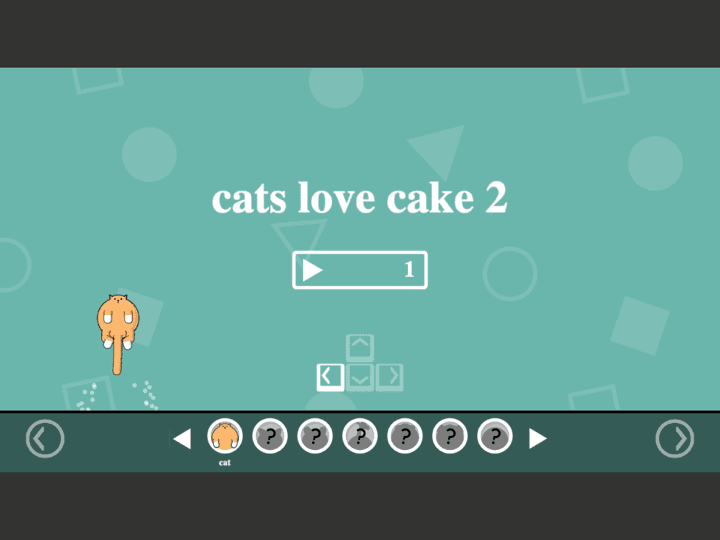
Cats Love Cake 2
Time each bounce, avoid hazards, and guide the character safely to the cake.
Tunnel Rush is a high-speed reflex game where survival depends on reading shapes early and staying centered before the tunnel speed rises. The strongest runs come from small steering corrections, calm visual focus, and learning repeated obstacle patterns.
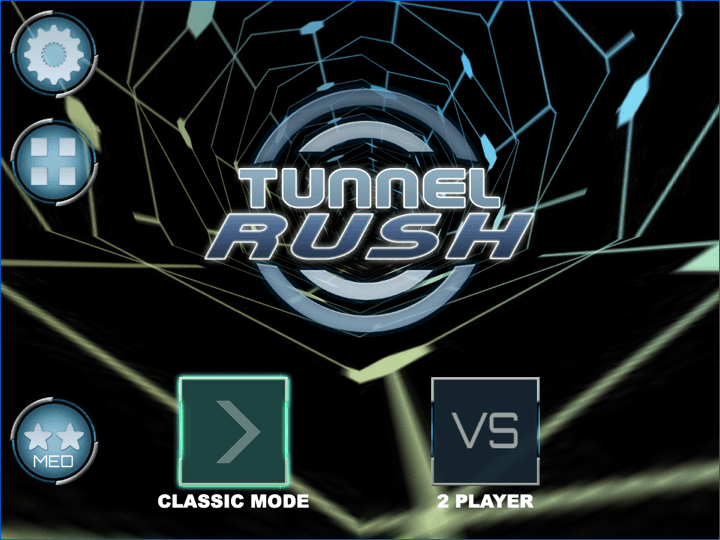
The third-party game loads only after you click, keeping the first view faster.
💡Use in-game fullscreen; controls are listed below.
Today's picks
Bounce challenge
Time each bounce, avoid hazards, and guide the character safely to the cake.
Tunnel Rush is a high-speed reflex game where survival depends on reading shapes early and staying centered before the tunnel speed rises. The strongest runs come from small steering corrections, calm visual focus, and learning repeated obstacle patterns.
New players usually oversteer. The better habit is to make small corrections, keep the next obstacle in peripheral view, and return to center whenever the path opens.
Because runs restart quickly, Tunnel Rush works well as a short-session browser game. Use the tips below to stretch each run without turning it into a download or extension hunt.
Steer
Use left/right arrows or A/D in most browser builds.
Restart
Use the in-game restart after a crash.
Mobile
Touch support can vary; landscape mode usually gives more room.
Today's picks
Bounce challenge
Time each bounce, avoid hazards, and guide the character safely to the cake.
This is public source or distribution-page information, not a verified original developer claim.

Adam and Eve 4 is a light point-and-click puzzle adventure where progress comes from reading the scene before clicking. The best approach is to test objects in order, notice what changes, and avoid random clicking that makes the puzzle harder to understand.

Adam and Eve 5: Part 1 is a point-and-click puzzle adventure where every scene is solved by changing the environment in the right order. The fastest progress comes from spotting the obstacle, testing nearby objects once, and watching each animation before choosing the next click.

Adam and Eve 5: Part 2 continues the point-and-click puzzle format with new scenes and slightly trickier object order. Good runs come from treating each screen like a chain: solve the blocker, watch the reaction, then use the next object that appears or changes.