Luma Game Guide
Best Brainrot Games Online
A practical discovery guide for craft, merge, clicker, obby and crossing-style Brainrot games without APKs, plugins or suspicious download mirrors.
Quick answer
Quick Answer: Start With Craft, Merge and Crossing Games
The best Brainrot entry points are crafting games like Make Brainrots Online, collection/running games like Robby: Cross the Road for Brainrot, and merge or clicker variants that work in short sessions. Start on the original platform listing, then use a guide page for controls, mobile fit, and safer alternatives.
- Craft: combine ingredients or blocks to unlock stranger characters.
- Merge/clicker: chase upgrades, collections, and short idle loops.
- Crossing/obby: dodge traffic, traps, or platform layouts while collecting.
Brainrot games are meme-driven browser games built around absurd characters, collecting, merging, crafting, clicking, or short obstacle runs. The topic also attracts clone pages, unverified mirrors, and exaggerated “unblocked” claims, so the play source matters.
This guide helps you compare the main formats, find public browser sources, avoid unsafe downloads, and choose similar quick-play games already available on Luma. It does not require an APK, extension, or copied portal artwork.
What the Main Brainrot Game Types Offer
Brainrot games reuse the same characters in very different loops. Craft games reward combinations, merge and clicker games focus on upgrades, and crossing or obby games test movement and survival. Choose the loop you enjoy instead of relying on the title alone.
- Craft: experiment with recipes and unlock unusual characters.
- Merge or clicker: build income, upgrades, and collections over repeated short runs.
- Crossing or obby: dodge traffic, traps, or platforms while carrying collectibles.
How To Choose A Safer Brainrot Game Page
Prefer pages that identify the developer or platform, run in the browser, and do not ask for an APK, extension, installer, or login before play. Treat “mod menu,” “free download,” or “all characters unlocked” pages as unverified unless they clearly explain source rights and safety.
- Do not install executables or browser extensions just to play a meme game.
- Avoid pages that hide the real game source or copy a portal page without attribution.
- Use no-download browser play and official public listings when available.
Choose a Brainrot Game by Play Style
Start with the goal you want from the session. Crafting rewards discovery, merge and clicker games reward steady upgrades, and crossing or obby games reward reflexes. Check the controls and mobile notes before opening a longer run.
- Want new characters: choose craft or collection games.
- Want visible progression: choose merge, idle, or clicker games.
- Want fast retries: choose crossing or obstacle games.
Similar Quick-Play Games on Luma
If you want a short browser session without the meme theme, choose a Luma game with a fast start, simple goal, quick retry loop, and no download.
- For obstacle timing, try Tunnel Rush or Google Snake.
- For upgrade or farming loops, try Monkey Mart or Cow Bay.
- For quick physics and platform sessions, try Drive Mad, Dadish 3, or Big Tower Tiny Square.
Featured Picks
Each recommendation opens a browser player from its detail page with no download required.
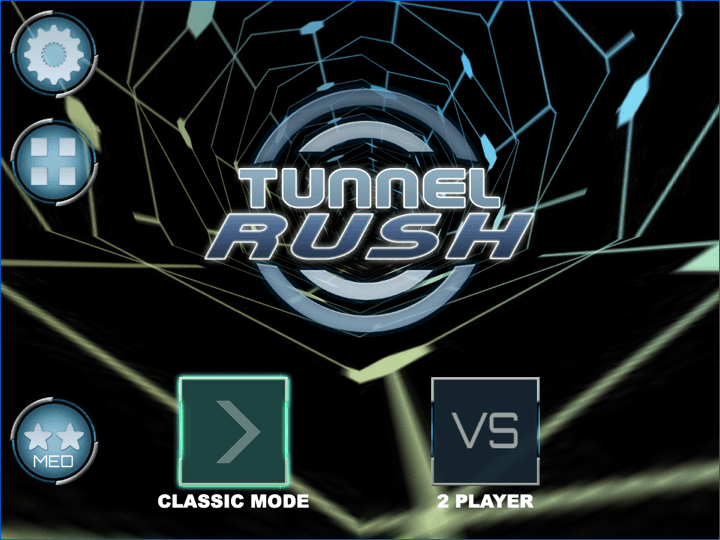
Tunnel Rush
Tunnel Rush is a high-speed reflex game where survival depends on reading shapes early and staying centered before the tunnel speed rises. The strongest runs come from small steering corrections, calm visual focus, and learning repeated obstacle patterns.
A fast reflex browser game for players who like short obstacle runs and quick restarts.
Big Tower Tiny Square
Big Tower Tiny Square is a precision platformer about patient climbing, double-jump timing, and learning each hazard pattern before committing. The tower looks simple, but every spike, laser, and moving platform asks for controlled jumps instead of rushing.
A checkpoint platform challenge with fast retries and a clear single-player goal.
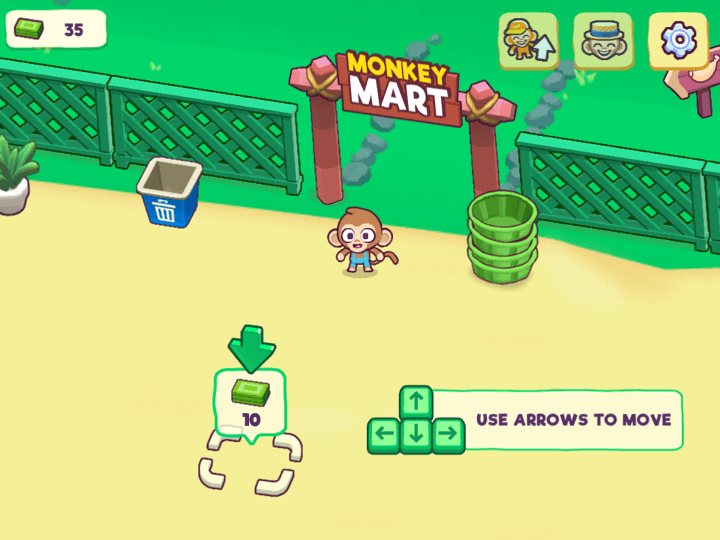
Monkey Mart
Monkey Mart is an idle management game where stocking shelves is only the start. Growth gets faster when you unlock helpers, process basic crops into better goods, and keep the highest-value shelves filled before queues build up.
A friendly upgrade loop for players who want progression without installing a client.
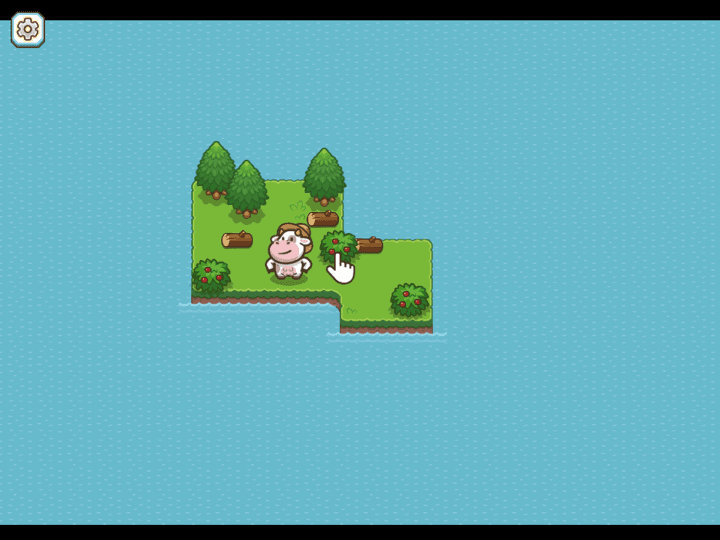
Cow Bay
Cow Bay is a cozy idle farming simulation where you gather berries, collect wood, craft tools, and expand a small island settlement. The loop is relaxed, but progress is smoother when you manage energy, storage, and quest order instead of tapping every object at random.
A lighter farming and resource-management pick for short browser sessions.

Dadish 3
Dadish 3 is a retro platform adventure where Dadish searches for his missing kids across compact, trap-filled levels. The game is playful, but clean movement matters: one late jump, slippery landing, or rushed collectible can send you back to the checkpoint.
A compact platform game with collectible decisions, checkpoints, and clear keyboard controls.
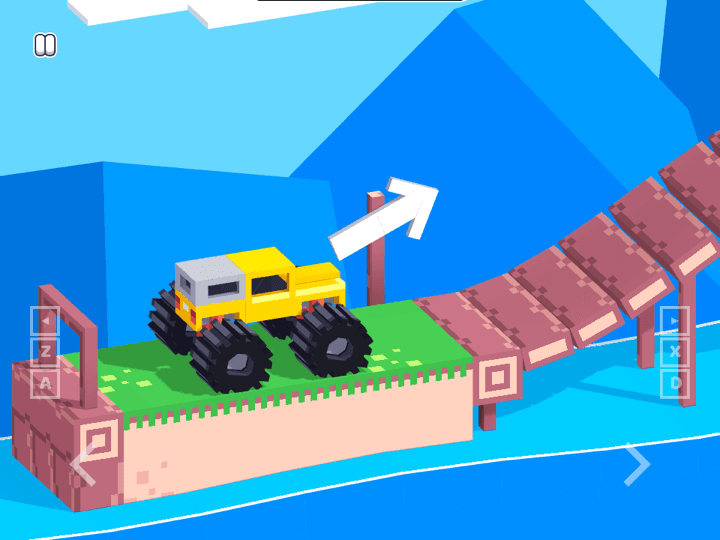
Drive Mad
Drive Mad is a physics driving challenge where the hard part is not raw speed. Each level asks you to control throttle, rotation, landing angle, and vehicle balance with very small inputs, so the best runs feel more like careful puzzle solving than racing.
A physics driving option for players who want quick failures, recoveries, and funny vehicle moments.
Frequently Asked Questions
- Can I play Brainrot games online without downloading anything?
- Yes, several Brainrot games have public browser listings. Use those first and avoid APK mirrors, installers, extension prompts, or “mod menu” downloads.
- Are Brainrot games suitable for younger players?
- Many are light meme, craft, merge, or clicker games, but themes vary. Check the game description first and avoid pages with adult, hateful, extreme-violence, or misleading-download content.
- Why do some play links open another website?
- Those games run on their public platform listings. Luma provides independent controls, mobile notes, safety guidance, and alternatives without copying the hosted game.
- What Brainrot game should I try first?
- Start with a crafting or collection game if you want characters, a merge or clicker game if you want upgrades, and a crossing or obby game if you want reflex movement.
- Is Luma affiliated with Brainrot game developers or portals?
- No. Luma Game Hub is an independent guide and game discovery site. We are not affiliated with the original developers or platforms unless a page states otherwise.
Use this guide as a discovery layer, then play verified Luma games with no APKs or client downloads.
Related Guides
Official & Reference Links
Use these external links to verify the game source and creator context; they do not imply a commercial partnership with Luma.
- Poki Brainrot Games →
Public category page for comparing current Brainrot games and mobile-friendly listings.
- Make Brainrots Online →
Public play page with developer attribution and the crafting format.
- Robby on CrazyGames →
Public play page with platform support and gameplay details.