Luma Game Guide
Google Snake Level Editor Guide: Presets, Challenges & Safe Setup
A source-checked guide to custom boards, preset sharing, Challenge Mode, Random Ham Mode, and the limits of the current work-in-progress project.
Quick answer
Quick answer: check the project before trying a setup
The project describes custom boards, presets, and challenge modes, but installation is still marked as work in progress. Check its current instructions before trying a setup; this page does not contain a working editor.
Check the Level Editor projectProject documentation, not a verified installation walkthrough.- Use the repository to verify the current feature list and project status.
- Do not download an EXE, DMG, APK, or unrelated browser optimizer for a Snake editor mod.
- Do not paste code from comments, short-link pages, or unknown video descriptions into the browser console.
Google Snake Level Editor is a community mod for placing fruit, walls, and Sokoban boxes directly onto a Snake board. Its project documentation also describes premade levels, custom presets, import and export, a 20-level challenge, and Random Ham patterns. It is not an official Google feature, and Luma does not host the mod or copy its files.
The DarkSnakeGang repository still labels the editor as a work in progress and leaves its installation section unfinished. That changes the safest answer: verify the current project status first, use the broader maintained mod route only when it exposes the editor you expect, and do not follow an old video or mirror that promises a one-click download.
What the Level Editor can place on a board
The documented editor lets a player place fruit, walls, and Sokoban boxes with the mouse. That makes it useful for controlled routing problems: you can put an apple near a narrow exit, test a wall pattern, or arrange Sokoban objects before starting a run.
- Fruit placement creates a specific route target instead of relying on a random spawn.
- Wall placement is useful for practicing escape lanes and tight turns.
- Sokoban boxes create object-pushing layouts that need the matching game mode.
- Keep a simple open route while learning the editor before building dense boards.
Start with a premade preset before building your own
The presets panel is the clearest first test because it separates editor controls from level design. Open one premade layout, inspect where the objects appear, and confirm that the selected game mode interacts with them before changing several settings at once.
- Load one preset and verify fruit, walls, and boxes appear where expected.
- Run a short attempt before editing the preset.
- Change one object group at a time so a broken layout is easy to diagnose.
- Return to a known preset if a custom board becomes impossible to read or finish.
Build and save a custom preset
A custom preset should describe one clear challenge rather than fill every tile. Decide what the player is practicing, leave a valid starting area, then place the minimum number of objects needed to create that problem. Test the board yourself before treating it as shareable.
- Choose one goal, such as a narrow wall route or a Sokoban positioning problem.
- Leave enough open cells for the snake to begin moving safely.
- Check that food and required objects are reachable under the selected mode.
- Save a clean revision before experimenting with a harder variation.
Import, export, and sharing boundaries
The project lists importing and exporting custom presets as a sharing feature. A preset should be treated as configuration for this editor, not as permission to redistribute the mod, its artwork, or someone else's full package. Luma does not maintain a public preset upload or code library.
- Export only a preset you created or have permission to share.
- Keep the game mode and editor version next to a shared preset description.
- Import only from a source you trust and reject anything that asks you to run unrelated code.
- Do not rename an executable or extension package as a level code.
Why Wall Mode or Sokoban Mode changes the result
The repository warns that the snake passes through placed walls or Sokoban boxes by default. Select Wall Mode, Sokoban Mode, or a compatible Blender combination when those objects are meant to block or interact with the snake. If a board looks correct but objects have no effect, check the game mode before rebuilding it.
- Use Wall Mode when placed walls should cause normal wall collisions.
- Use Sokoban Mode when boxes are part of the puzzle behavior.
- Use a compatible Blender setup only after each mode works by itself.
- Record the required mode with every preset you share.
Challenge Mode and Random Ham Mode
Challenge Mode is documented as a series of 20 increasingly difficult Snake levels. Random Ham Mode creates random, always-winnable small wall patterns; “Ham” refers to a Hamiltonian cycle. These are different practice tools: Challenge Mode tests a fixed sequence, while Random Ham Mode varies the board pattern.
- Use Challenge Mode when you want repeatable progression across fixed levels.
- Replay a failed challenge before changing unrelated menu settings.
- Use Random Ham Mode for route-reading practice on changing small patterns.
- Do not present a community completion video as an official level solution.
Mobile limits and common failures
The repository describes mouse placement and does not document a complete touch workflow. Verify the editor on desktop first. On a phone, a missing pointer action, cramped panel, or unavailable extension can prevent editing even when standard Snake still runs.
- If taps place nothing, do not assume the board file is broken; the editor may expect a mouse.
- If a preset loads but objects do not collide, verify Wall or Sokoban mode.
- If the menu disappeared after an update, return to the project source instead of reinstalling an old mirror.
- For immediate play without editor setup, open standard Snake from the recommendation below.
Featured Picks
Each recommendation opens a browser player from its detail page with no download required.
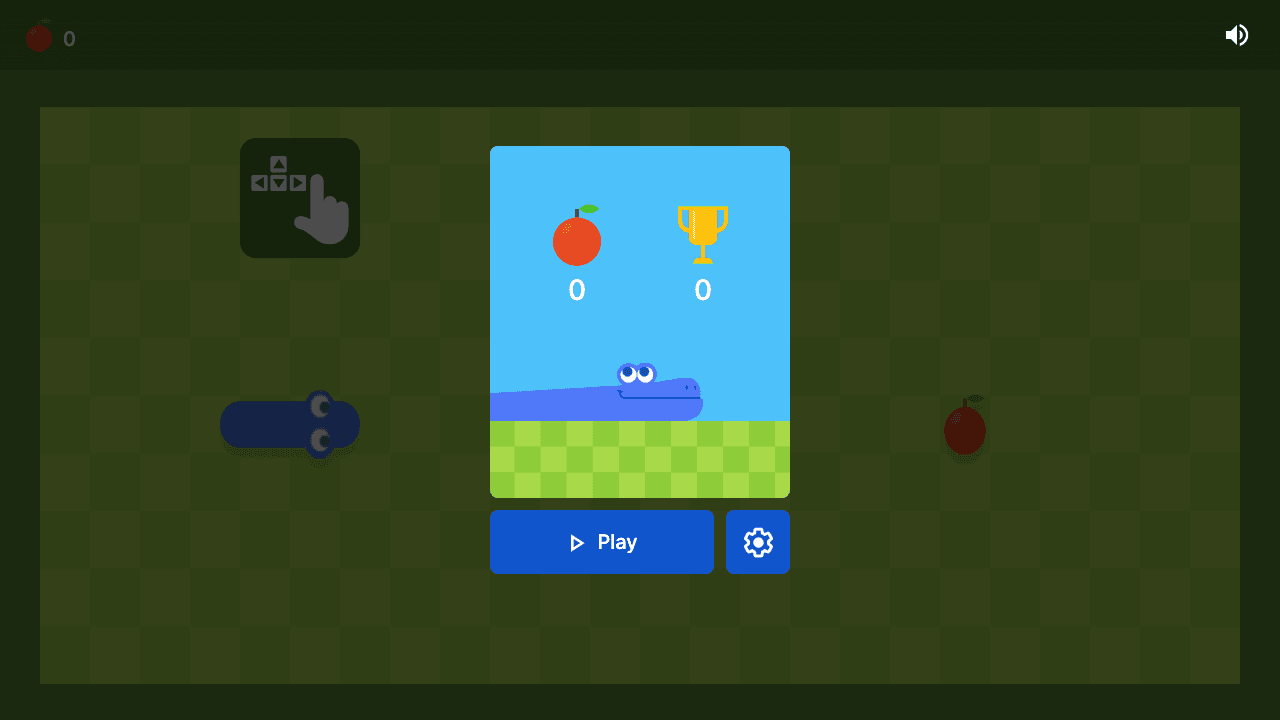
Google Snake
Google Snake is a classic snake-style browser game built around route planning. The score improves when you think one turn ahead and keep escape lanes open.
Play a standard Snake-style round first so normal routing and collision rules are clear before testing custom boards.

String Theory 2 Remastered
String Theory 2 Remastered is a short-session physics puzzle game where each level is solved by reading motion, timing interactions, and making one careful adjustment at a time. The challenge is not fast clicking; it is noticing why the object misses the target and changing the next attempt with intent.
Try a compact browser puzzle when you want deliberate object positioning without installing a mod.
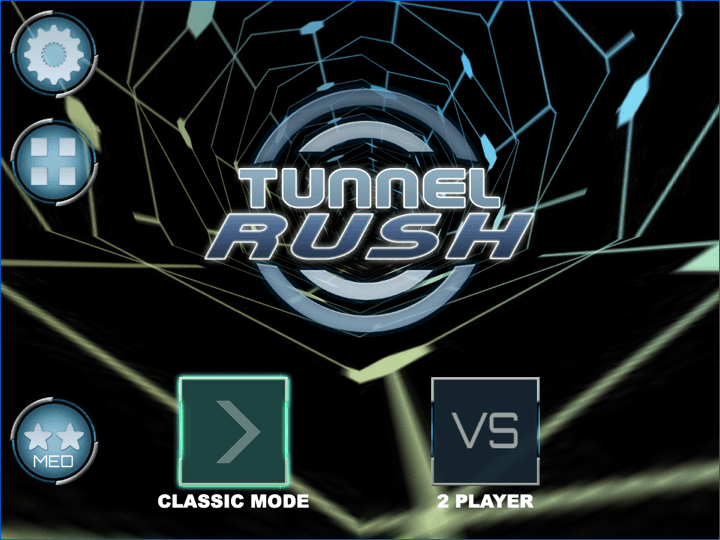
Tunnel Rush
Tunnel Rush is a high-speed reflex game where survival depends on reading shapes early and staying centered before the tunnel speed rises. The strongest runs come from small steering corrections, calm visual focus, and learning repeated obstacle patterns.
Switch to a quick reflex challenge if you want immediate browser play instead of an editor workflow.
Frequently Asked Questions
- Is Google Snake Level Editor an official Google feature?
- No. It is a community project associated with DarkSnakeGang. Luma provides source context and usage guidance but is not affiliated with Google or the mod maintainers.
- How do I install Google Snake Level Editor?
- The project currently labels itself work in progress and its README installation section is unfinished. Check the repository and maintained mod page for current instructions instead of relying on an old bookmark, mirror, or download bundle.
- Why does my snake pass through walls in the editor?
- Placed objects do not automatically change collision rules. Select Wall Mode for walls, Sokoban Mode for boxes, or a compatible Blender combination before testing the board.
- Can I share Google Snake custom levels?
- The project documents import and export for custom presets. Share only presets you created or have permission to distribute, include the required mode and version, and do not bundle the mod or unrelated executable files.
- Does Google Snake Level Editor work on mobile?
- A complete touch workflow is not documented, while mouse placement is. Test on desktop first; mobile browser and extension limits can prevent editing even when the standard game remains playable.
Use Luma's reviewed game catalogue when you want immediate play without installing a community editor.
Related Guides
Official & Reference Links
Use these external links to verify the game source and creator context; they do not imply a commercial partnership with Luma.
- Google Snake Level Editor on GitHub →
Primary project source for documented objects, presets, Challenge Mode, Random Ham Mode, and setup status.
- Maintained Google Snake Mods web route →
Community-maintained web route to check which mod modules are currently available without using an unknown mirror.