Luma Game Guide
Browser Games for Low-End PCs: Lightweight No-Download Picks
A practical guide for old laptops, office PCs, Chromebooks, and slow computers: test performance quickly, avoid fake boosters, and choose games that stay responsive.
Quick answer
Quick Answer: Start With Simple Inputs and Short Rounds
On an older laptop, begin with games that use a small number of controls, restart quickly, and do not need a large 3D world. Google Snake, OvO, Drive Mad, and String Theory Remastered cover four useful styles: score chasing, precision platforming, physics driving, and timing puzzles.
- Choose a game that becomes interactive within a reasonable first load.
- Prefer short rounds so a slow tab never traps a long session.
- Test keyboard response before judging graphics alone.
The best browser game for a low-end PC is not always the game with the simplest screenshot. What matters is how quickly it becomes responsive, whether inputs register consistently, and whether the tab stays stable after several minutes. A lightweight 2D game can run badly if the page is overloaded, while a cleanly delivered HTML5 game can feel smooth on modest hardware.
Use this guide as a testing method and a curated starting point, not a promise that every device will behave the same. Browser version, extensions, battery settings, memory pressure, and the third-party game build can all change performance. Start with one short round, then keep only the games that remain responsive on your own machine.
The 60-Second Low-End PC Test
Open only one game tab and spend the first minute checking responsiveness instead of chasing a score. A game is a good fit when the first input works, the frame rate stays consistent, and restarting does not create a long freeze.
- First 10 seconds: confirm the play area appears without repeated redirects or plugin prompts.
- Next 20 seconds: press each control and watch for delayed or missed inputs.
- Final 30 seconds: restart once and check whether the second load is smoother or noticeably worse.
Safe Ways to Reduce Browser Game Lag
Most useful fixes are ordinary browser housekeeping. You do not need a game booster, registry cleaner, APK, extension pack, or “FPS unlocker.” Those downloads add risk and often consume more resources than the game.
- Close video, meeting, and social tabs before starting a game.
- Disable unnecessary extensions for the test session, especially page modifiers and recording tools.
- Keep the laptop plugged in if battery-saving mode reduces CPU speed.
- Refresh the game tab after changing settings instead of opening multiple copies.
Pick the Right Game Type for Your Hardware
Simple 2D score games and compact puzzle pages are usually the safest first test. Precision platformers can also work well because their worlds are small, but they expose input delay quickly. Physics games may be smooth on one browser and inconsistent on another, so use a short level as the benchmark.
- Score loop: Google Snake for familiar controls and instant restarts.
- Precision movement: OvO when you want to test keyboard latency.
- Physics timing: Drive Mad for short, repeatable levels.
- Calm puzzle: String Theory Remastered when you prefer deliberate clicks.
When the Problem Is the Page, Not the PC
A fast computer can still struggle with a broken embed, overloaded portal, blocked third-party cookie, or stale game build. If every other site works but one game does not, do not assume your laptop is the problem. Try the game in a clean tab, compare another Luma title, and report the page if controls or loading have changed.
No-Download Safety Rule
Stay in the browser for the first test. Avoid pages that ask you to install a client, browser extension, “performance patch,” or unofficial mod before play. A low-end PC has less spare memory and security margin, so adding unknown software is the opposite of optimization.
Featured Picks
Each recommendation opens a browser player from its detail page with no download required.
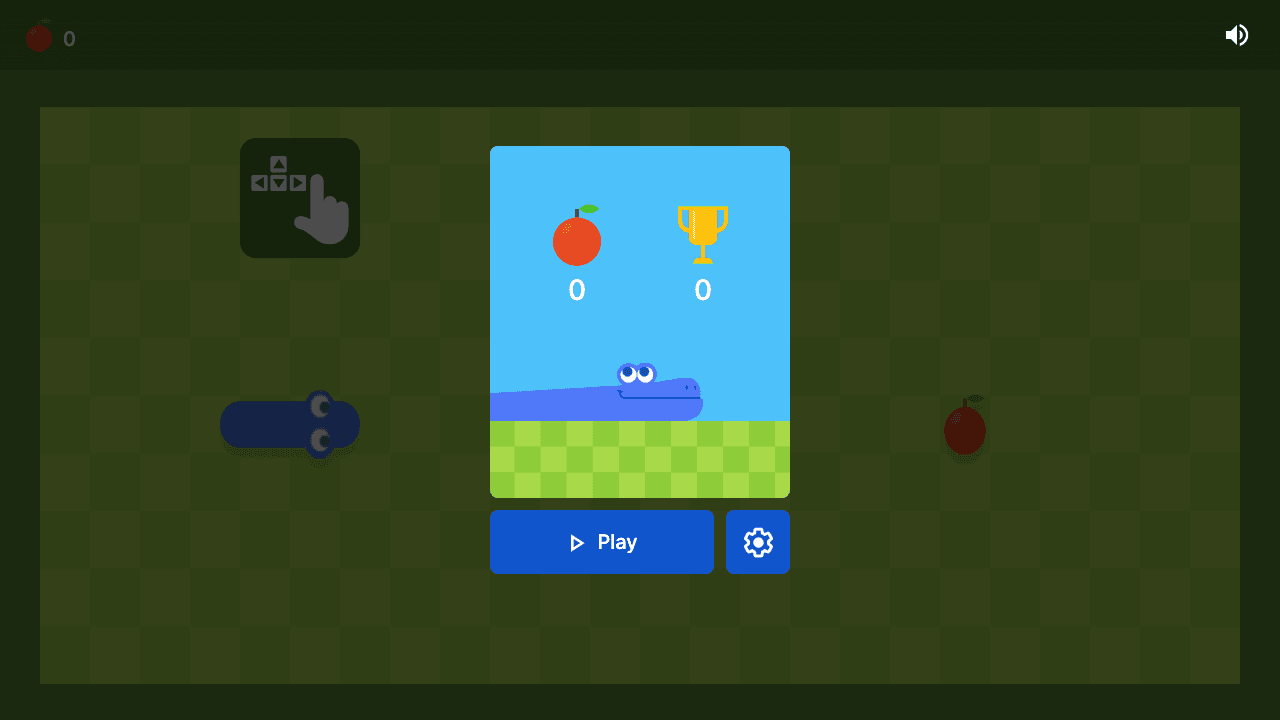
Google Snake
Google Snake is a classic snake-style browser game built around route planning. The score improves when you think one turn ahead and keep escape lanes open.
A familiar score loop with simple controls, quick restarts, and an easy way to test keyboard response.
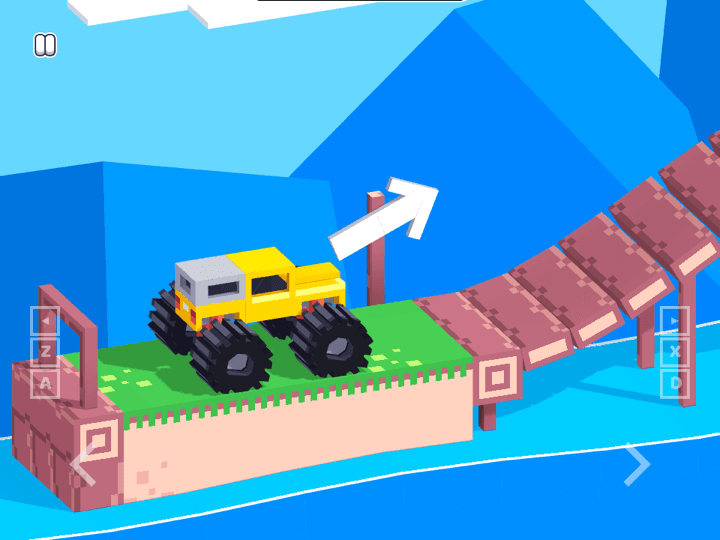
Drive Mad
Drive Mad is a physics driving challenge where the hard part is not raw speed. Each level asks you to control throttle, rotation, landing angle, and vehicle balance with very small inputs, so the best runs feel more like careful puzzle solving than racing.
Short physics-driving levels make it easy to compare smoothness without committing to a long session.

String Theory 2 Remastered
String Theory 2 Remastered is a short-session physics puzzle game where each level is solved by reading motion, timing interactions, and making one careful adjustment at a time. The challenge is not fast clicking; it is noticing why the object misses the target and changing the next attempt with intent.
A slower timing puzzle for machines that handle deliberate clicks better than fast action.
Frequently Asked Questions
- What browser games run well on a low-end PC?
- Start with short 2D games that use simple controls, such as Google Snake, OvO, Drive Mad, or String Theory 2 Remastered. Test one round because performance still varies by browser and device.
- Do I need to download a game booster?
- No. Close heavy tabs, reduce unnecessary extensions, and test while plugged in before installing anything. Avoid unofficial boosters, FPS unlockers, mods, and plugin prompts.
- Why does a simple browser game still lag?
- The cause can be an overloaded page, a broken third-party embed, extensions, battery-saving mode, memory pressure, or input delay rather than the game graphics alone.
- Are these games suitable for Chromebooks?
- Many browser games can run on Chromebooks, but school policies, browser versions, and device memory differ. Use the 60-second test and avoid bypass tools or downloads.
- Which game should I test first on an old laptop?
- Google Snake is the simplest first check. Then try OvO for keyboard latency, Drive Mad for physics performance, and String Theory 2 Remastered for a calmer puzzle.
Open one game at a time, test a short round, and keep the titles that stay responsive on your device.