Luma Game Guide
Best Free iPhone Games With No Download
Browser games to try without installing an app, with control and storage notes for each checked entry.
Quick answer
Quick Answer: Best Free iPhone Games Without Downloads
Try a simple drawing round first. Open the game, draw one line, and tap Score stroke. Keep the browser online; the check details below distinguish browser simulation from physical-phone testing.
- Draw a Perfect Circle
Draw one line, lift, then tap Score stroke. No keyboard needed.
Controls and check details
- Screen
- Portrait or landscape; scroll to reach the controls when needed.
- Sound
- No audio in this game.
- Saving
- Local best in this browser. Clearing browser data or using private sessions may remove it.
Checked: 2026-09-17. Chromium Pixel 7 profile: touch drawing. WebKit iPhone 13 profile: pointer drawing and touch buttons. No physical-phone test.
- Checked quick entry: Draw a Perfect Circle, with local best-score storage.
- Other candidates below need a short control check on your own device.
- Use caution with platformers or driving games that need precise left/right keys.
This guide covers browser-play options, not an App Store ranking. Start with a short round and check the controls on your own device before relying on a game for a longer session.
The quick entry lists the exact browser check and its limits. Other third-party picks below are candidates to test, not a promise of compatibility with every iPhone model. Network access, browser storage, controls and publisher content can change.
A 30-Second Safari Compatibility Check
Before committing to a longer session, open the game in Safari, rotate once, tap the main controls, and play one short round. If the canvas is cropped, the play button is hidden, or the game expects physical arrow keys, switch candidates.
- Confirm that the play button and controls fit without horizontal scrolling.
- Try portrait first, then rotate to landscape if the game area feels cramped.
- Tap the main action two or three times to check input delay.
- Keep the browser online unless the game explicitly supports offline play.
- Do not assume progress is saved; test a short round before refreshing.
Other candidates to test by control style
Choose the game by control style first. The best free iPhone game for a quick break is usually the one that matches your thumb input, not the one with the most complex mechanics.
- Simple taps: Adam and Eve 4 is a point-and-click candidate; test its current controls before continuing.
- Rope physics puzzles: Catch the Candy is useful when you want a quick responsiveness check.
- Rhythm and timing: Beat Line works for short attempts if audio and tap timing feel stable.
- Driving or platform games: use them as stress tests; if virtual controls feel cramped, move to desktop.
Why Browser Games Beat Native Installs for Testing
Browser games let you test a play loop before installing anything. They avoid an App Store download, but they still use network data, browser storage, and third-party game resources. If you only want a five-minute break, that tradeoff is often better than searching the App Store, reading reviews, and deleting apps that were not a fit.
What to Avoid on iPhone
A safe browser game should open in the page. Be cautious with pages that turn a simple game search into a download funnel or ask for unrelated permissions.
- Do not download APK files for iPhone; iOS apps come through the App Store.
- Avoid pages that require a profile install, configuration file, or unknown browser extension.
- Avoid mirrors that cover the play area with fake start buttons or app-install prompts.
- Use Luma links as browser-play candidates, not as a guarantee that every third-party save system will work on your device.
Featured Picks
Each recommendation opens a browser player from its detail page with no download required.
Adam and Eve 4
Adam and Eve 4 is a light point-and-click puzzle adventure where progress comes from reading the scene before clicking. The best approach is to test objects in order, notice what changes, and avoid random clicking that makes the puzzle harder to understand.
A point-and-click puzzle candidate. Check current touch controls and publisher prompts on your device.
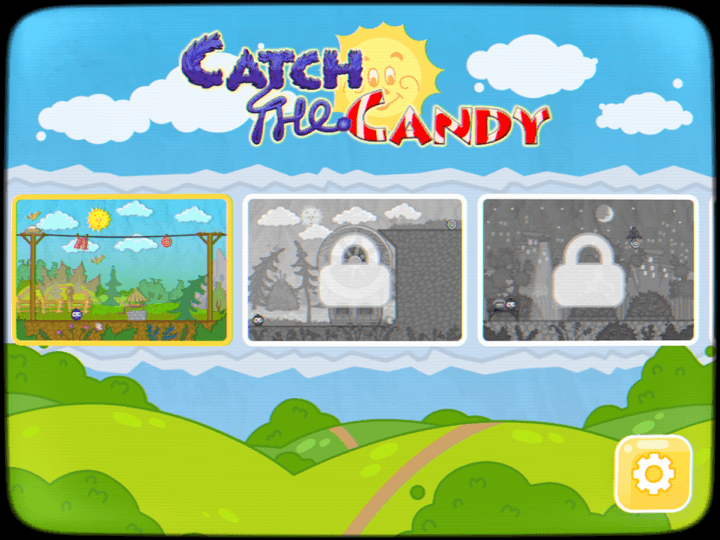
Catch the Candy
Catch the Candy is a friendly physics puzzle about using a stretchy grabber to pull a small character toward candy. Good attempts come from choosing anchor points carefully, using momentum, and reaching the candy with fewer wasted pulls.
Short physics puzzles make it easy to test responsiveness without committing to a long session.
Beat Line
Beat Line is a rhythm-timing arcade game where a moving line must turn at the right moment, stay on the path, and survive increasingly tight corners. The skill is not speed alone; it is matching taps to visual corners and the music pulse.
A timing-focused option for quick rounds; confirm audio and tap response on your device.
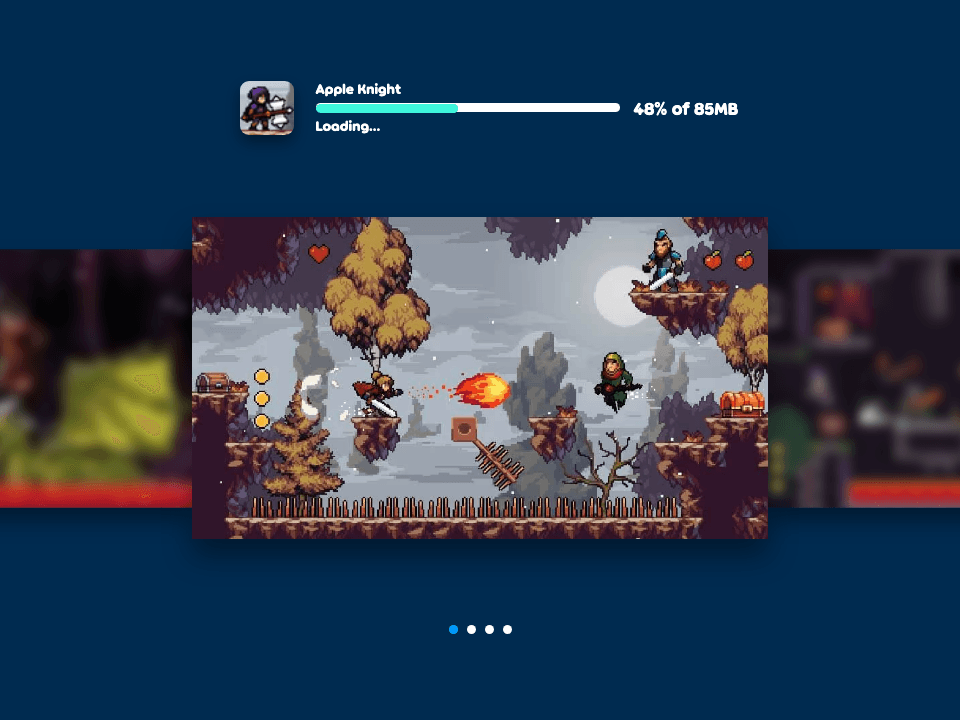
Apple Knight
Apple Knight is an action platformer where movement discipline matters as much as attacking. Strong runs come from checking enemy patrols, jumping before contact, and using attacks only when there is enough space to recover.
A platform game included as a control test; desktop may be better if mobile controls feel cramped.
Frequently Asked Questions
- What is the best free iPhone game with no download?
- Try the drawing entry near the top for a simple pointer or touch task. Its check details state the browser environments used; physical iPhone compatibility is not guaranteed. Other candidates should be tested on your own device.
- Do these iPhone games require App Store downloads?
- No. The picks here are browser games, so you can launch them in Safari or Chrome without installing an App Store app. Avoid pages that turn a browser game into an APK, profile, or plugin download.
- Do browser games work in both Safari and Chrome on iPhone?
- Most HTML5 games can open in either browser, but controls, audio prompts, and saved progress can differ. Test one short round before relying on a game for a longer session.
- Will the games remember my progress?
- Do not assume they will. Saving behavior varies by game and browser privacy settings. Test a short round first.
- Are these games also available on iPad?
- They can be opened in an iPad browser, but controls and layout still need to be checked on the live game.
Open the catalogue and test controls, orientation, and saving behavior on your own device.