Adam and Eve Go
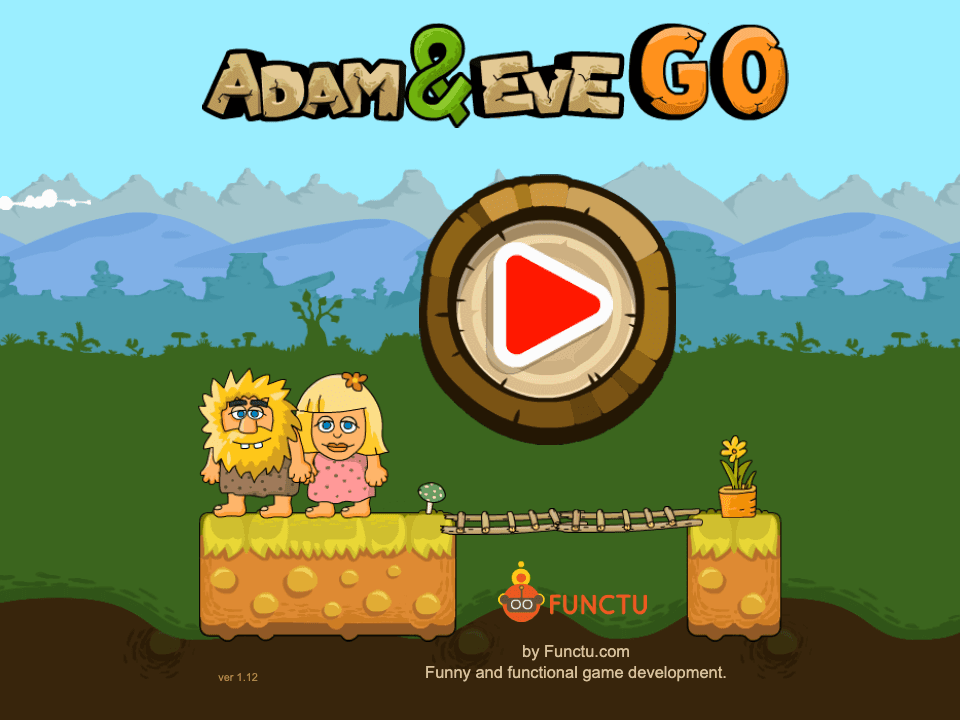
NEWAdam and Eve Go turns the point-and-click series into a simple side-scrolling puzzle platformer. Instead of only clicking scene objects, you move Adam through short levels, collect useful items, avoid hazards, and work out the safest route to Eve.
Adam and Eve Go
The third-party game loads only after you click, keeping the first view faster.
💡Use in-game fullscreen; controls are listed below.
Today's picks
Try another game
Adam and Eve Go quick guide
Adam and Eve Go turns the point-and-click series into a simple side-scrolling puzzle platformer. Instead of only clicking scene objects, you move Adam through short levels, collect useful items, avoid hazards, and work out the safest route to Eve.
What to focus on while playing
The best runs come from reading the whole stage before moving too far. Check where the fruit, keys, ladders, doors, creatures, and traps sit, then decide which item must be collected first.
This page focuses on practical browser play. Use it when a level feels blocked, when mobile controls feel cramped, or when you want clear no-download guidance instead of installer or APK prompts.
How to play
- 1Move Adam through each level while collecting fruit, keys, or other required objects.
- 2Watch hazards and creatures before committing to a jump or ladder route.
- 3Reach Eve after the path is clear and the necessary items have been collected.
Controls
Move
Use the active arrow keys, WASD keys, or on-screen movement controls.
Jump / climb
Use the browser build controls shown in the game for jumps, ladders, and platforms.
Retry
Restart the level when an item order or hazard timing leaves the route blocked.
Practical tips
- ✓Collect keys and route-opening items before rushing toward the exit.
- ✓Pause at ladders and platform edges so moving hazards reveal their pattern.
- ✓If a level seems impossible, check whether you skipped fruit or an object that changes another part of the stage.
- ✓On mobile, move in short taps because narrow platforms are easier to overshoot.
FAQ
- How is Adam and Eve Go different from the older Adam and Eve games?
- Adam and Eve Go uses direct movement through small levels, while many older entries are mostly point-and-click scene puzzles.
- What should I do when a level is blocked?
- Look for keys, fruit, ladders, or switches you passed earlier. The solution is usually an item order or route problem, not speed.
- Does Adam and Eve Go need a download?
- No. Play it in the browser on Luma and avoid pages that ask for APKs, installers, or browser extensions.
Related guides
Today's picks
Try another game
Game Info
Status
ActiveNew
👨💻Listed Source
4399 游戏平台↗This is public source or distribution-page information, not a verified original developer claim.
💡Game Tips
- ✓Collect keys and route-opening items before rushing toward the exit.
- ✓Pause at ladders and platform edges so moving hazards reveal their pattern.
- ✓If a level seems impossible, check whether you skipped fruit or an object that changes another part of the stage.
- ✓On mobile, move in short taps because narrow platforms are easier to overshoot.
Similar Games
Adam and Eve 4
Adam and Eve 4 is a light point-and-click puzzle adventure where progress comes from reading the scene before clicking. The best approach is to test objects in order, notice what changes, and avoid random clicking that makes the puzzle harder to understand.
Adam and Eve 5: Part 1
Adam and Eve 5: Part 1 is a point-and-click puzzle adventure where every scene is solved by changing the environment in the right order. The fastest progress comes from spotting the obstacle, testing nearby objects once, and watching each animation before choosing the next click.
Adam and Eve 5: Part 2
Adam and Eve 5: Part 2 continues the point-and-click puzzle format with new scenes and slightly trickier object order. Good runs come from treating each screen like a chain: solve the blocker, watch the reaction, then use the next object that appears or changes.